1
Logo generation
Use Grok Imagine to create several ideas: describe the style,
colors, and tone of your story to get several options.
2
Editing and sizes
Upload the chosen logo to Ilove Image to resize, crop, adjust the background
and export as PNG, JPG or SVG.
Ilove Image
Ilove Image is a fast editor for resizing, compressing and preparing branding assets. Perfect for creating social posts, thumbnails and presentation headers.
Website: iloveimg.com
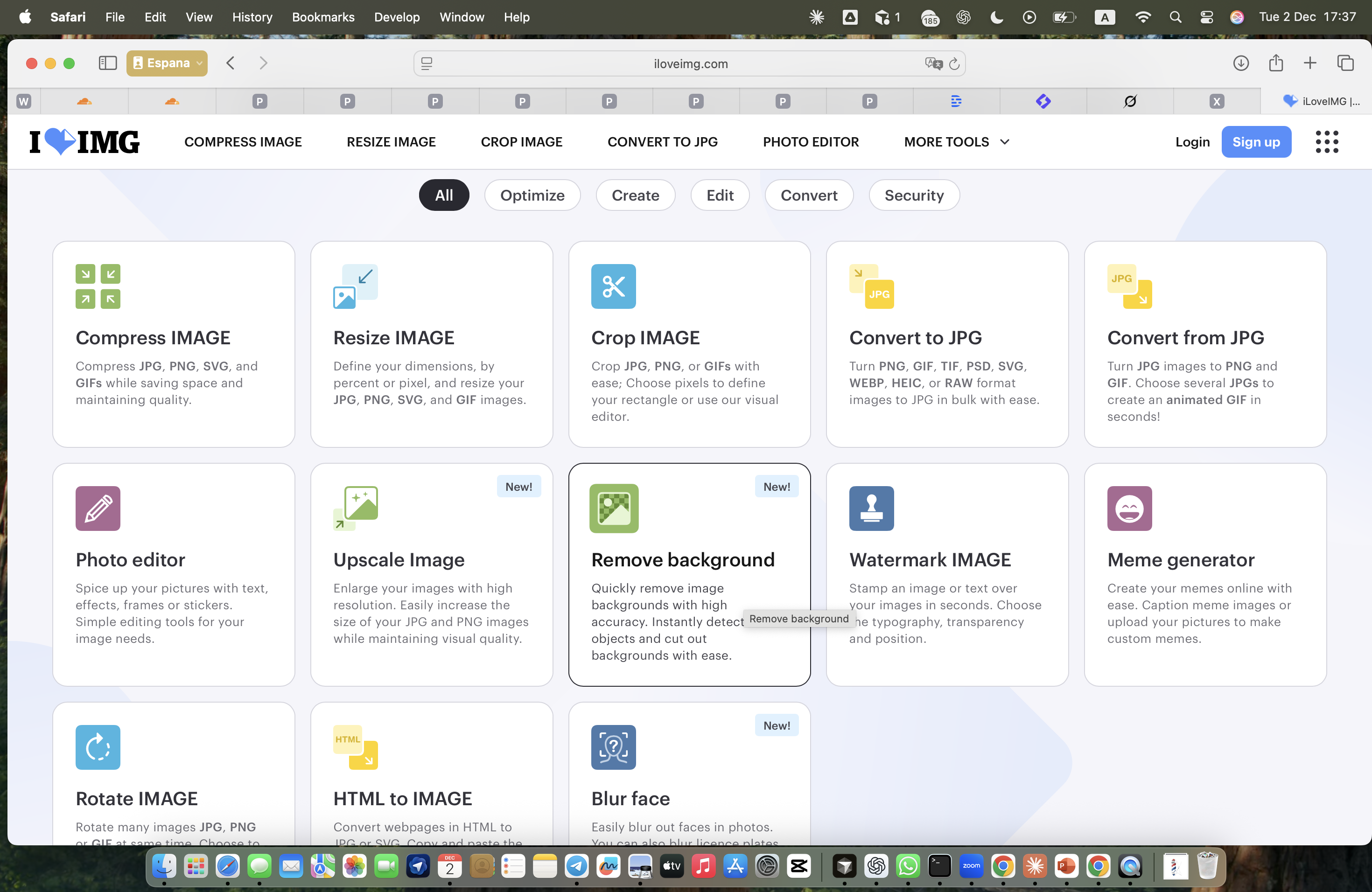
Step 2: Select tool
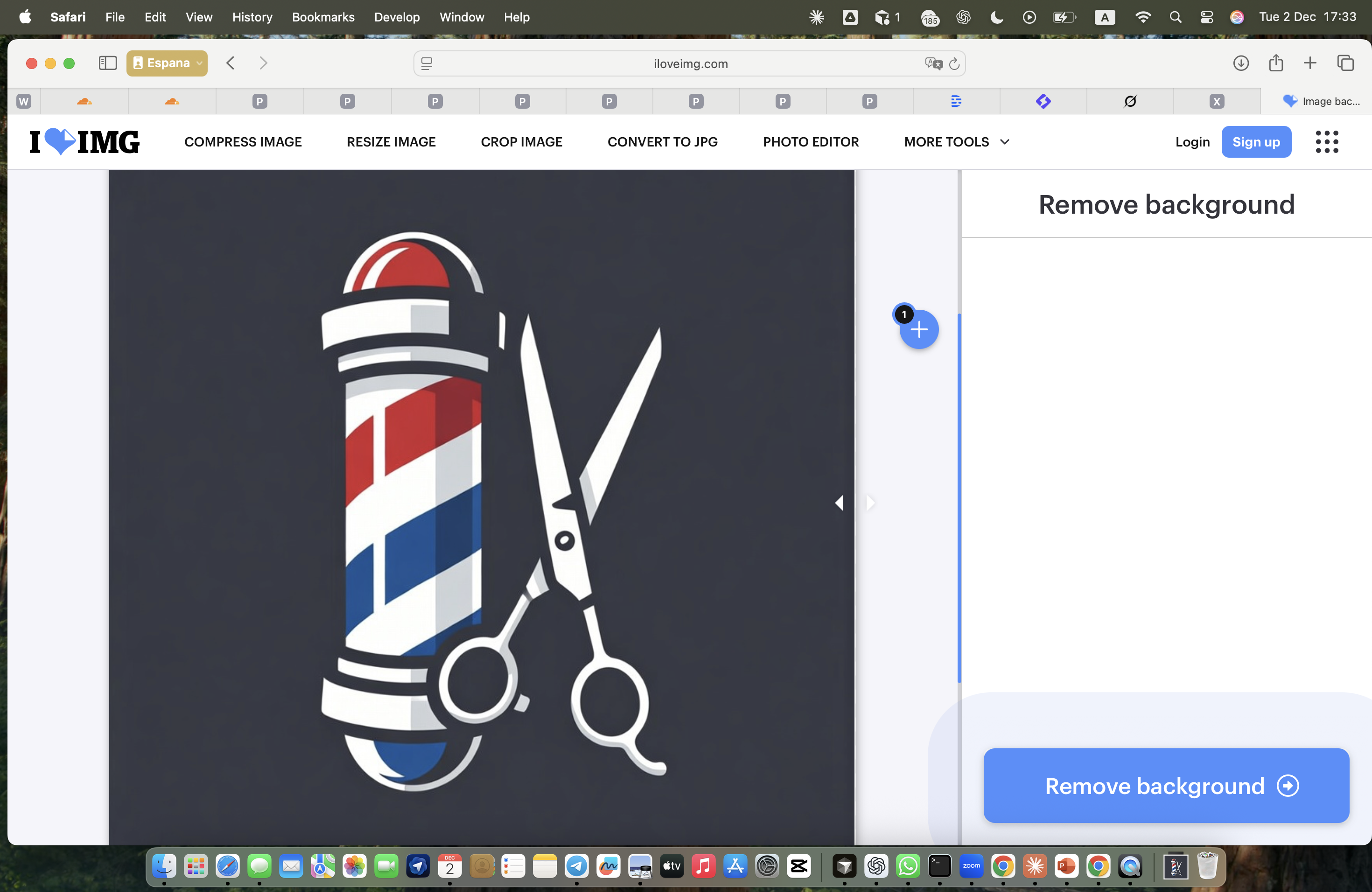
Step 3: Remove background
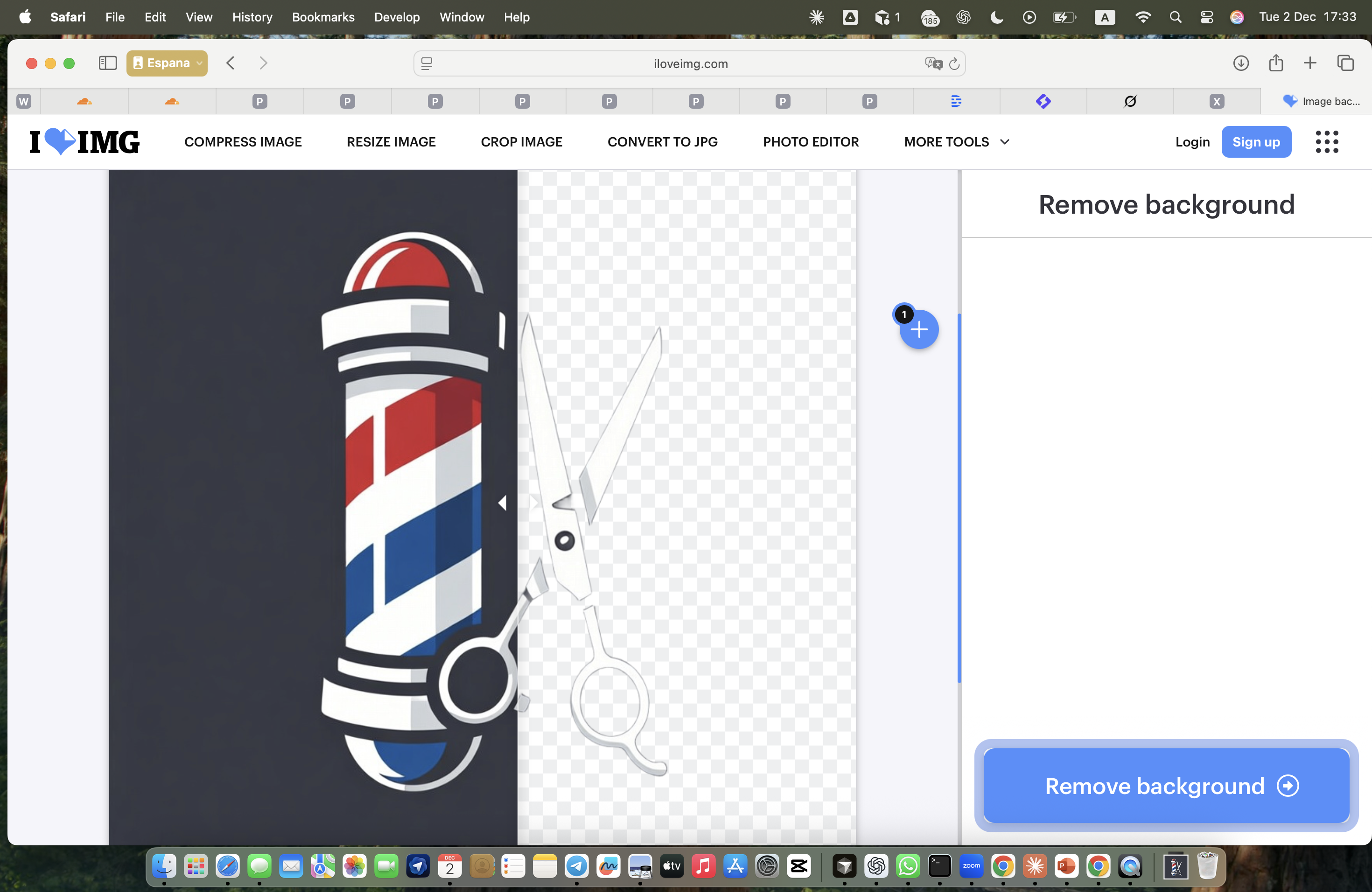
Step 4: Process image

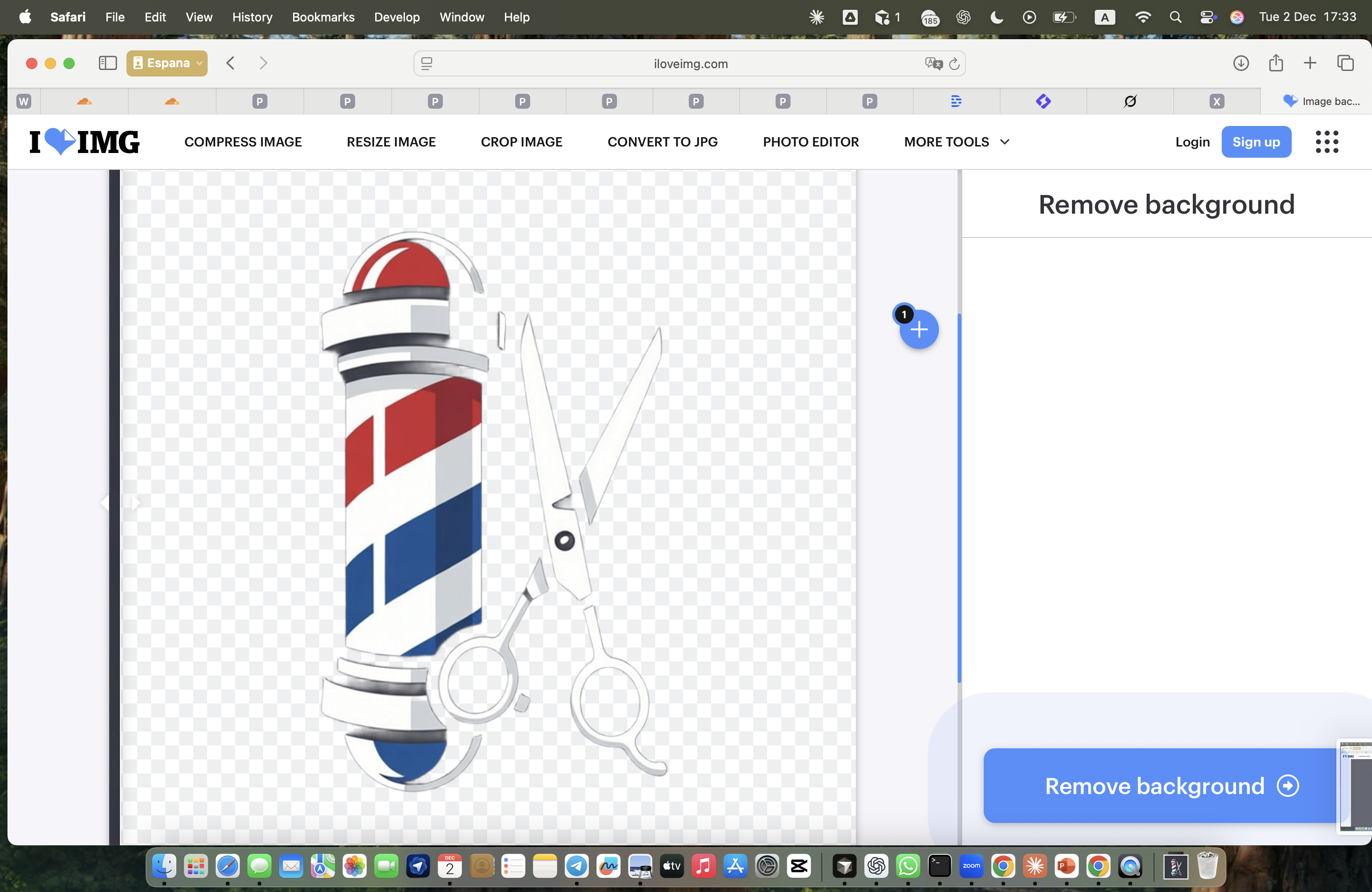
Step 5: Download result
How to use I Love Image
After generating the logo, you can prepare it for use across different platforms. Upload the image to I Love Image and select the Background removal tool. The service removes the background and leaves a clean, isolated version of the logo. This makes it easy to place the logo on any surface without blocking the underlying design. Save the result as a PNG without a background. This becomes your final ready-to-use logo.