Lumen5
Lumen5 helps turn scripts, blog posts and ideas into engaging video stories with AI-assisted scene creation and media suggestions.
Website: lumen5.com
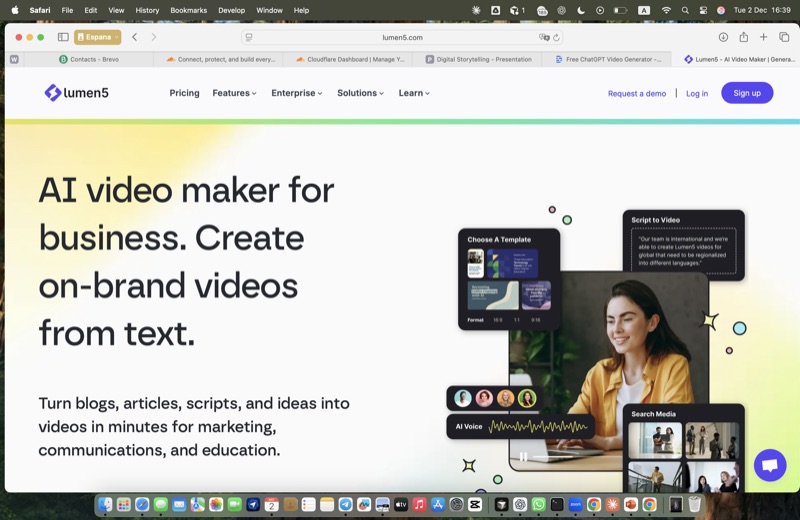
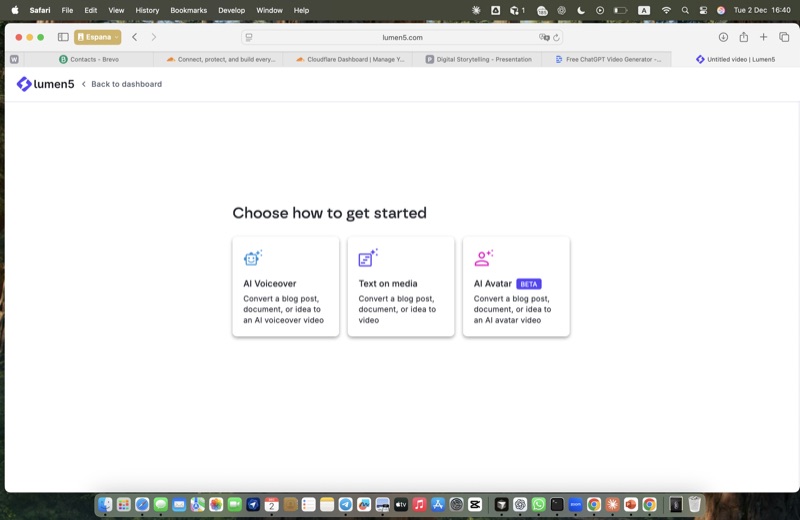
Step 2: Select layout

Step 3: Enter prompt
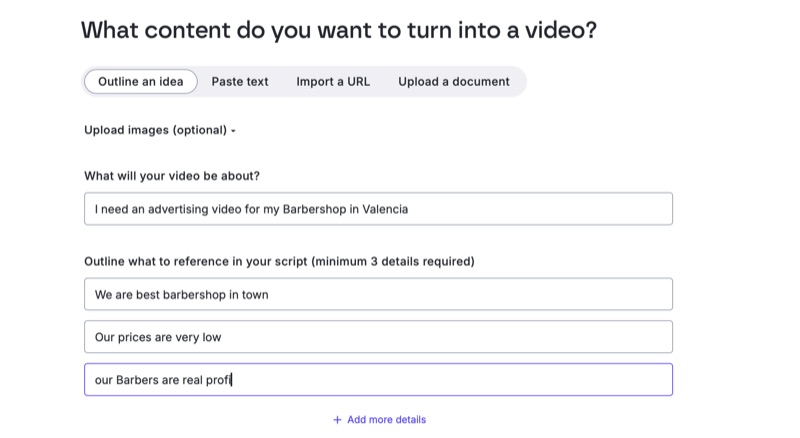
Step 4: Add story notes
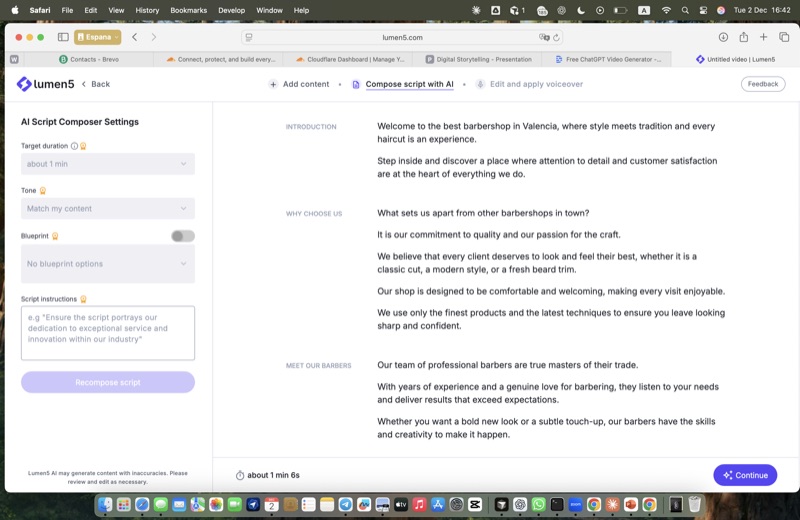
Step 5: AI suggestions
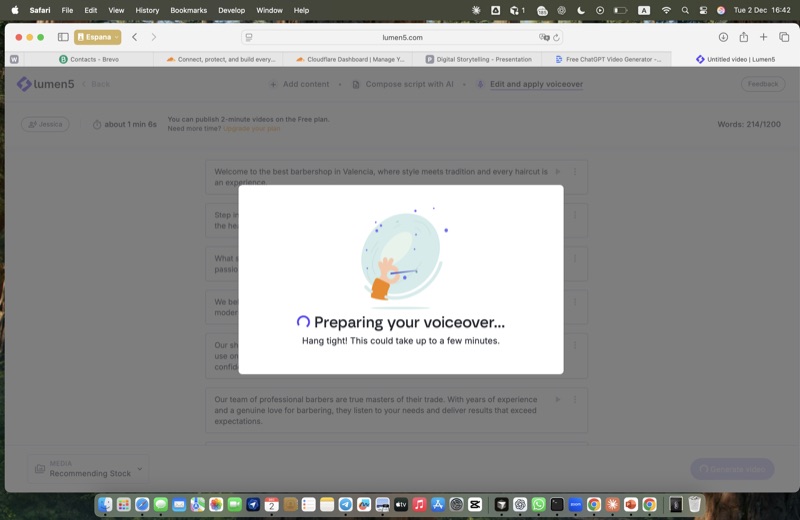
Step 6: Magic features
How to use Lumen5
Lumen5 allows you to quickly turn a script into a video. You open the service, choose the type of video you want, and enter a short prompt describing the topic. Then you answer two simple questions: what your video will be about and the outline of your script. Lumen5 generates the full text of the video based on your input. If the result looks good, you can immediately create the video. In a few minutes, the finished version is ready to view.